Somebody hands you a cable and a screen and asks whether it is right. These are what answers that. Each one is aimed at a specific way a signal chain goes wrong, and between them they will find most of what goes wrong before doors.
The frame counter, the latency clock and the moving test card come as ten-second H.264 loops at 25 fps, because they only work in motion — a counter has to count. Everything else is a PNG still.
No sign-up, no watermark, no email. Right-click and save, or take the lot.
The whole kit — nineteen PNGs and three video loops at 1920×1080, with a note on what each one catches. Broadcast cards, reference pictures, and the engineering set for commissioning an LED wall.
Working out what a wall will give you? The calculator does resolution, size and viewing distance →
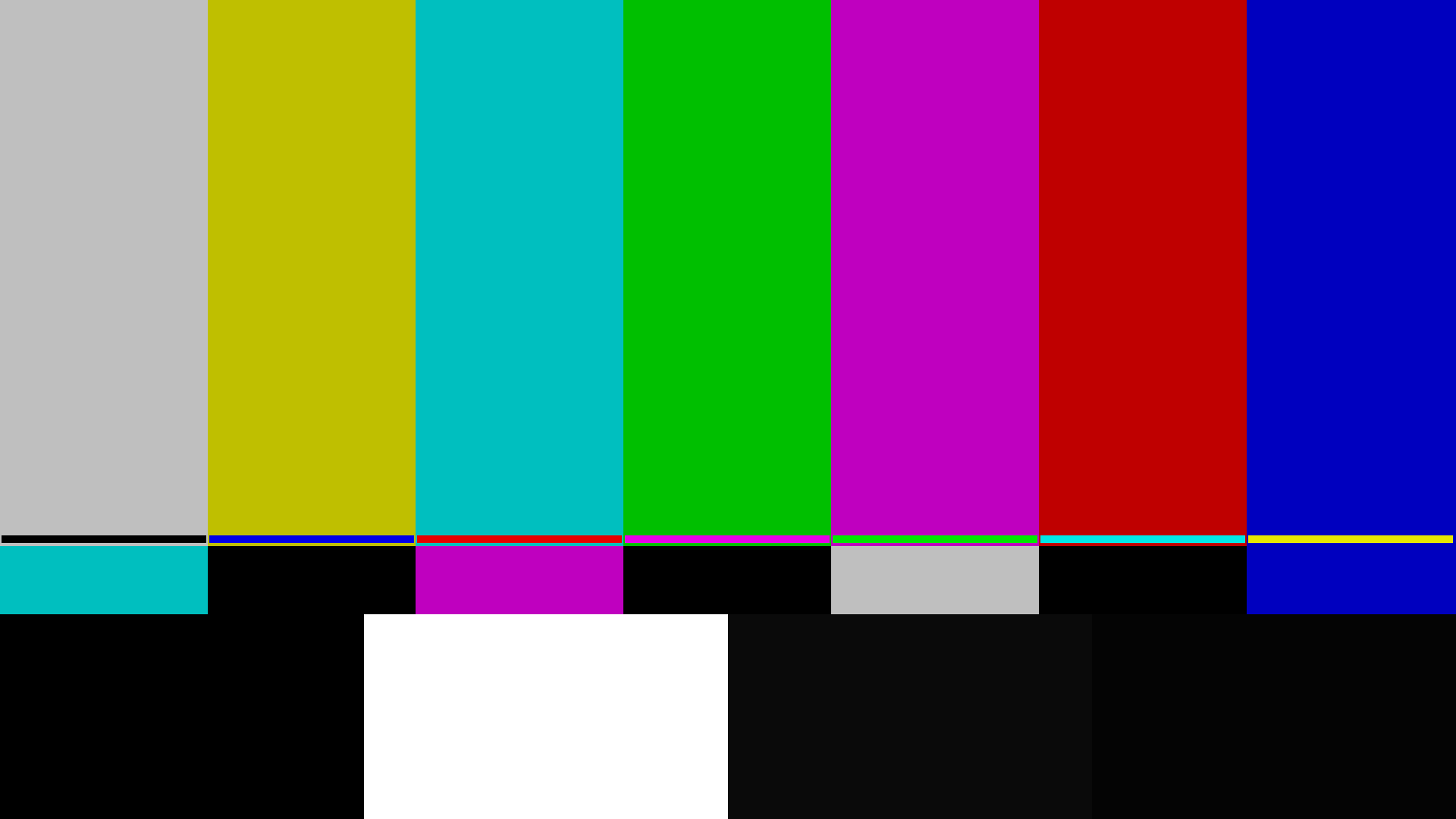
SMPTE bars PNG
Colour and levels. The pluge strip along the bottom is the one that matters: it tells you whether black on that screen is actually black.
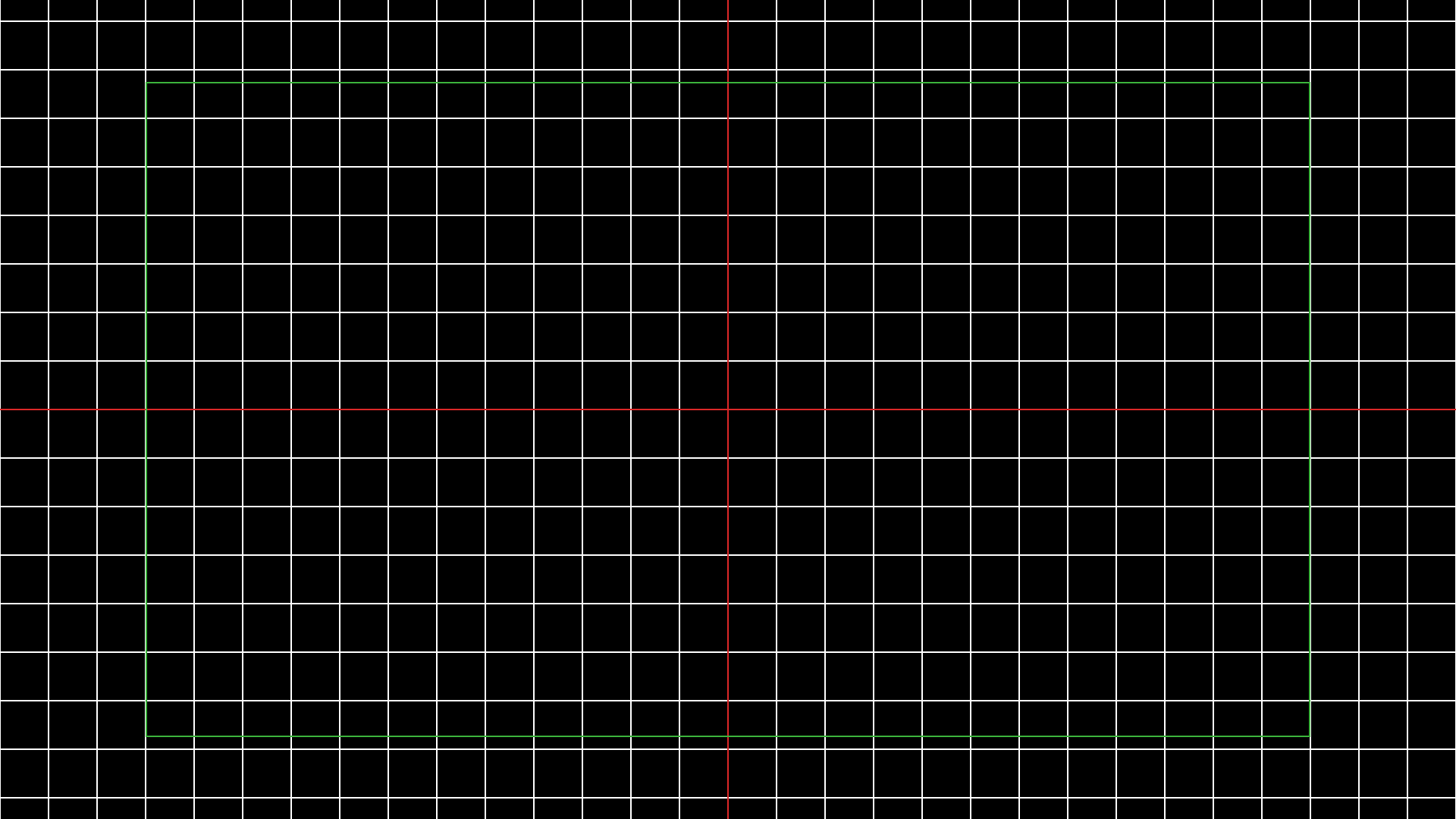
Crosshatch PNG
Geometry and convergence. Straight lines go bent long before a picture looks wrong, and the safe-area box shows what a projector is quietly eating off the edges.
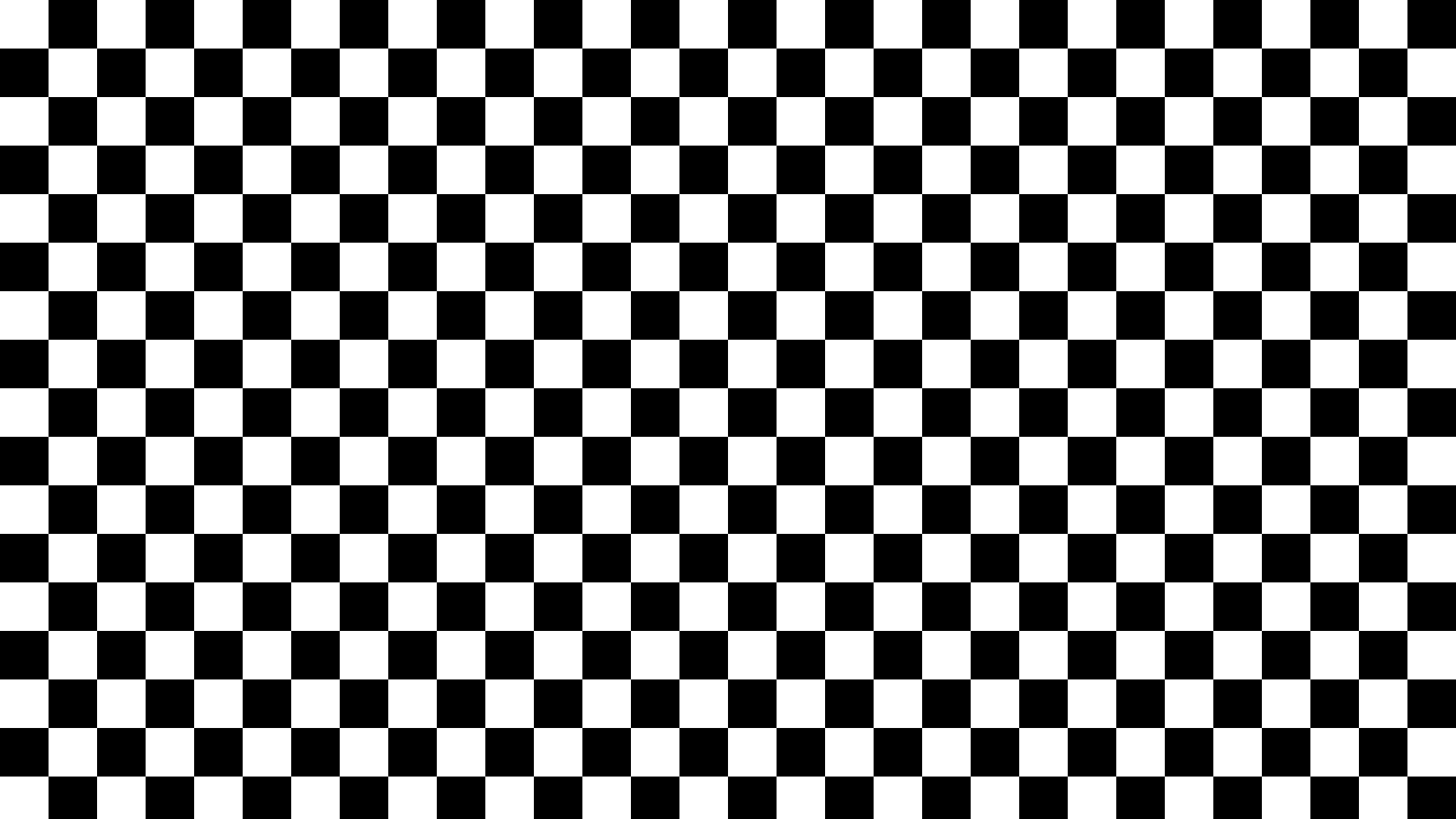
Checkerboard PNG
Scaling and overscan. A scaler that is not running 1:1 turns these squares into moire the instant you look at them.
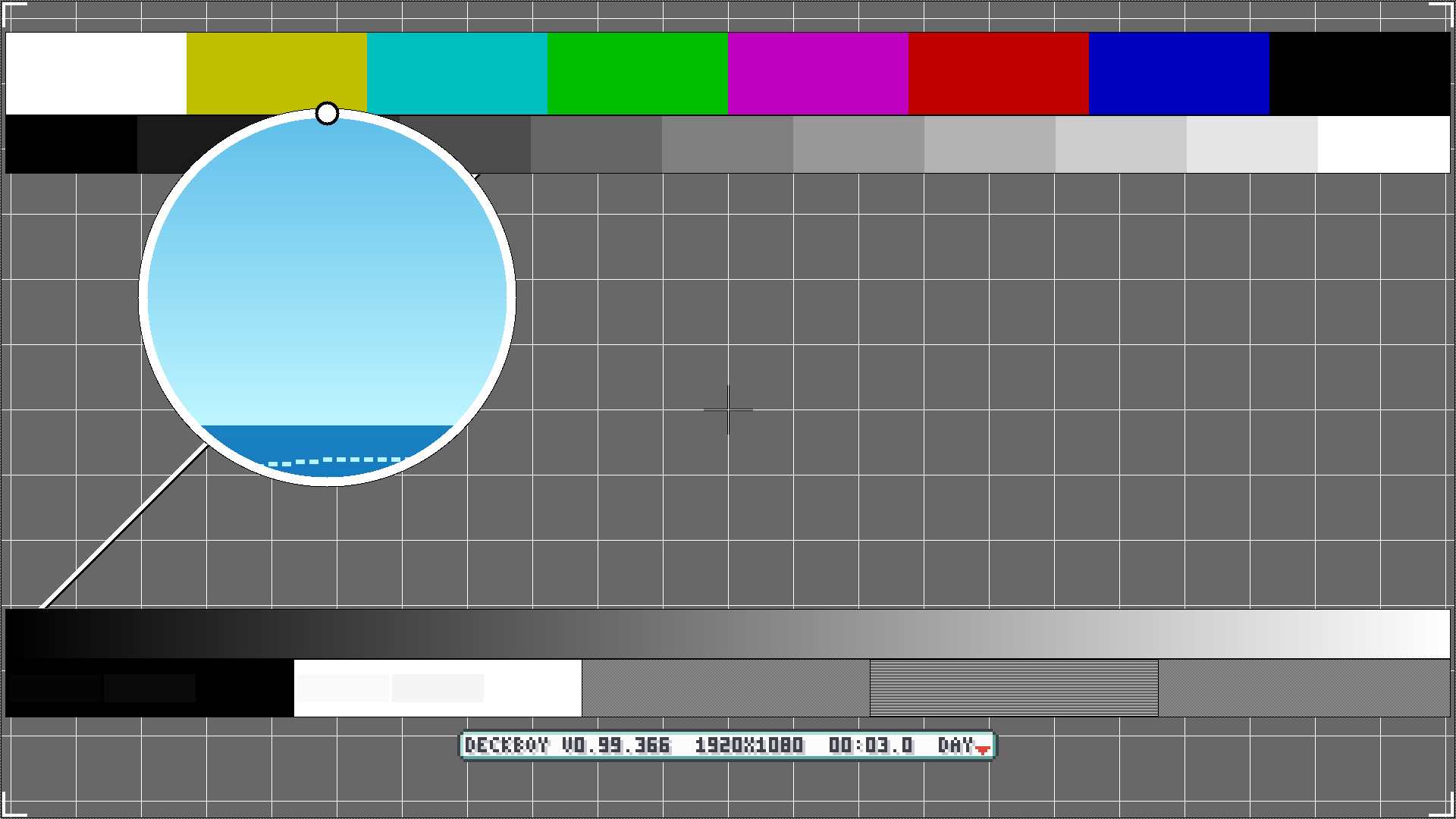
The test card MP4 + PNG
The whole chain on one card, in the PM5544 tradition: bars, a grey staircase and geometry. The video also carries a moving element, so a frozen frame cannot pretend to be a live one — which is exactly what the still, by definition, cannot show you.
Latency clock MP4
Latency, measured rather than argued about. Play it on two screens, photograph both in one shot, read the difference. The counter is exact, not a spinning wheel you have to judge.
Frame counter MP4
Dropped and repeated frames. Shoot it at a high shutter speed and count: a number that appears twice, or not at all, is a frame that did not survive the chain.
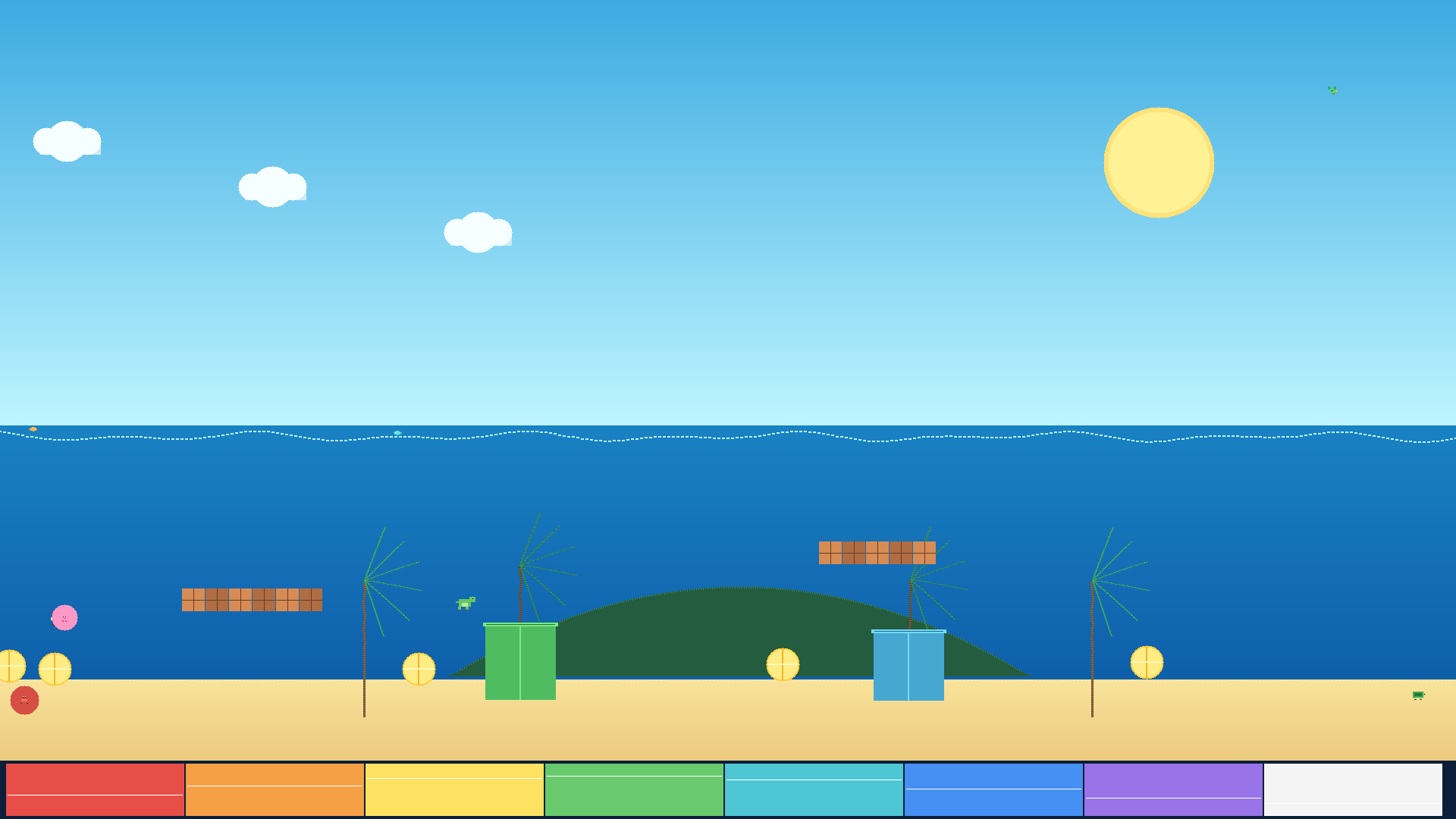
Reference picture, day PNG
A picture rather than a chart. Gradients, fine detail and saturated flats in the same frame, which is where banding and posterisation show up and bars never will.
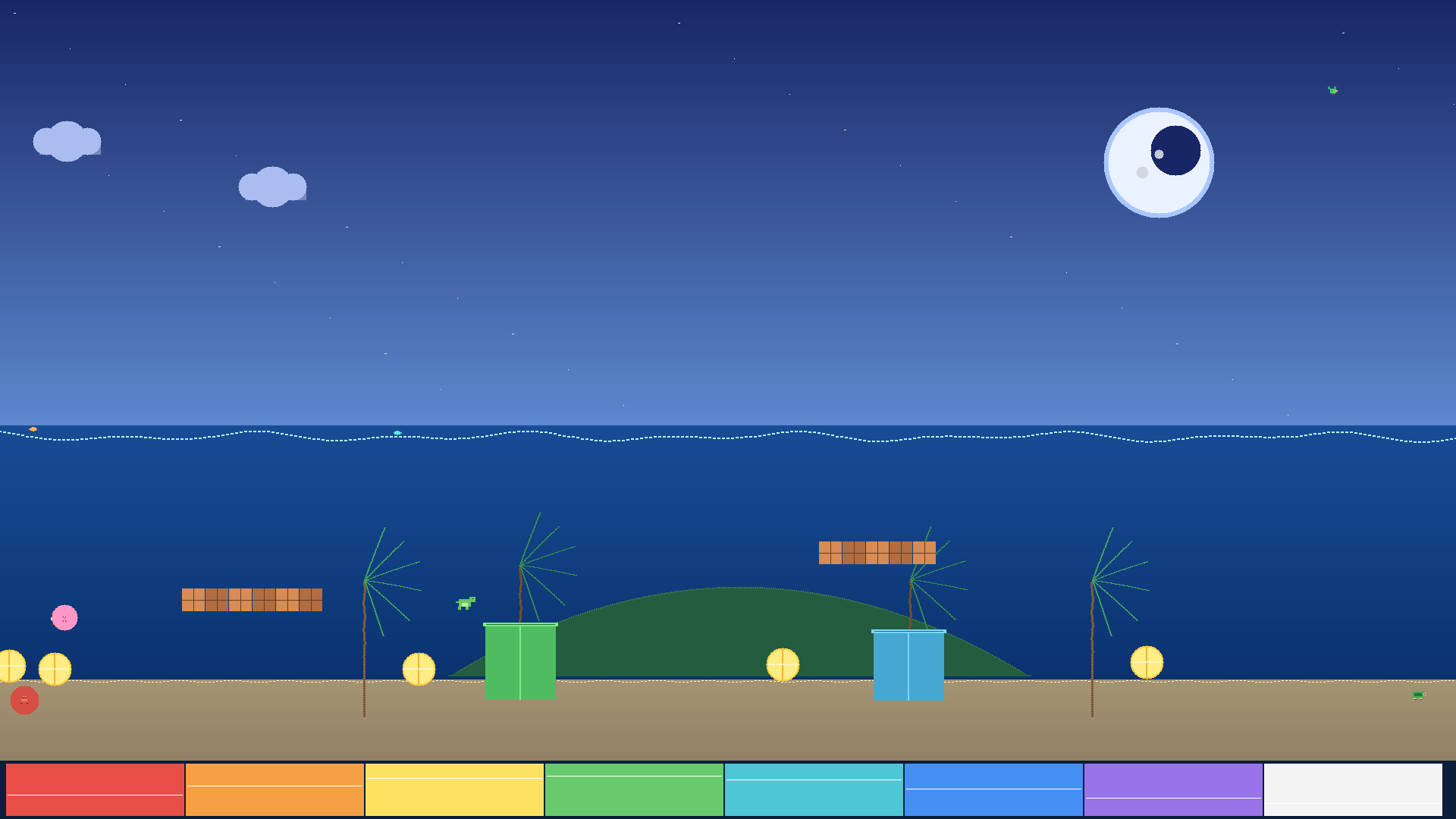
Reference picture, night PNG
The same scene after dark, for black level and shadow detail. A screen that looked perfect on bars can still crush everything below ten percent.
The engineering set
The charts for commissioning a screen rather than checking one: black level, uniformity, real bit depth, and a numbered map of every LED tile in the wall. Same list the wall generator draws at your exact raster, and the same list Deckboy draws live on the output.
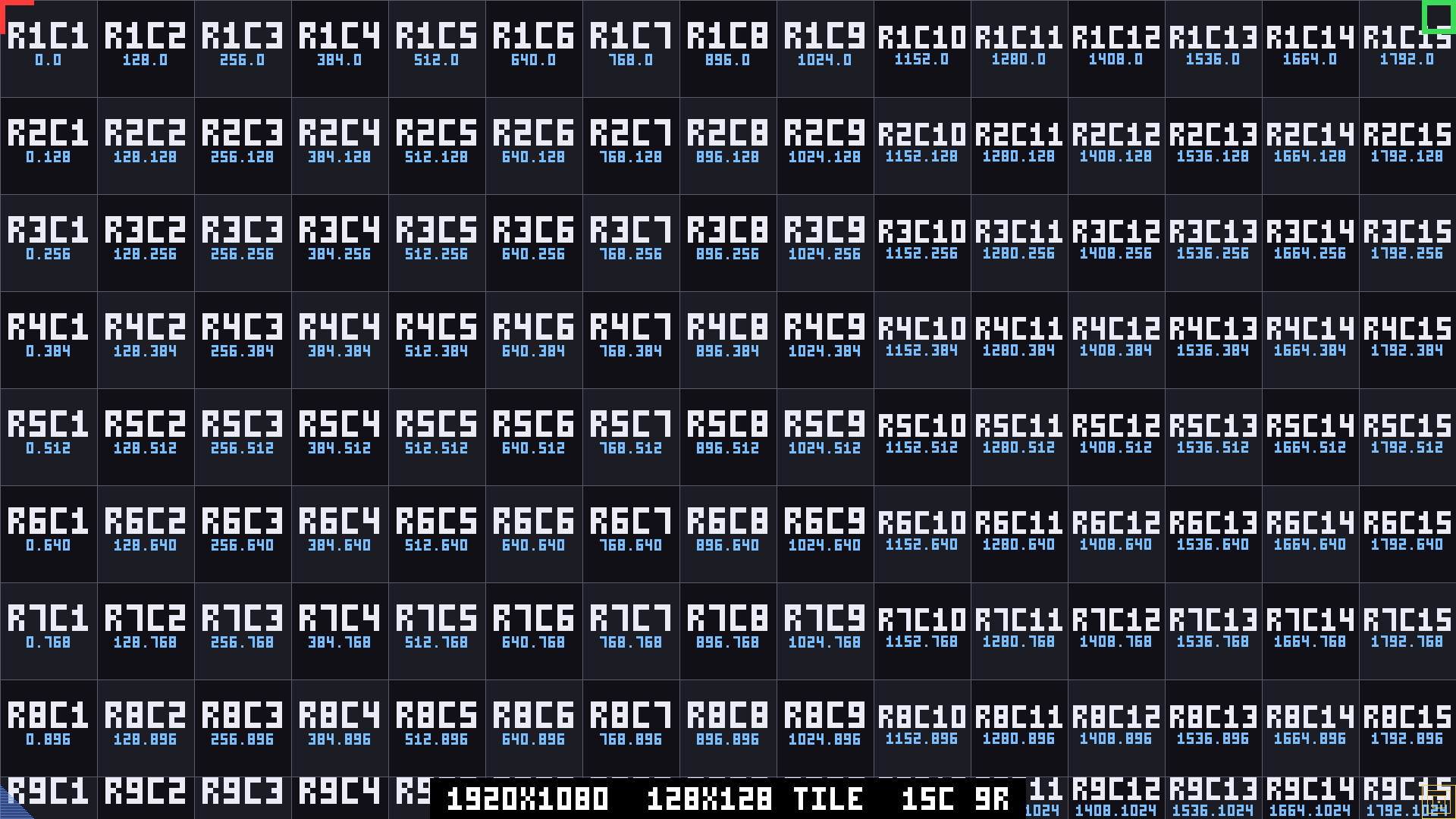
Panel map PNG
Every tile numbered by row and column, with its own pixel origin printed inside it and a different marker in each corner of the wall. A swapped tile shows the wrong number, a rotated one shows the marker on the wrong side, and a dead receiver card shows nothing at all. This is the one that turns “something is wrong up there” into “row 3, column 7”. Drawn here for 128×128 tiles; Deckboy draws it for whatever yours are.
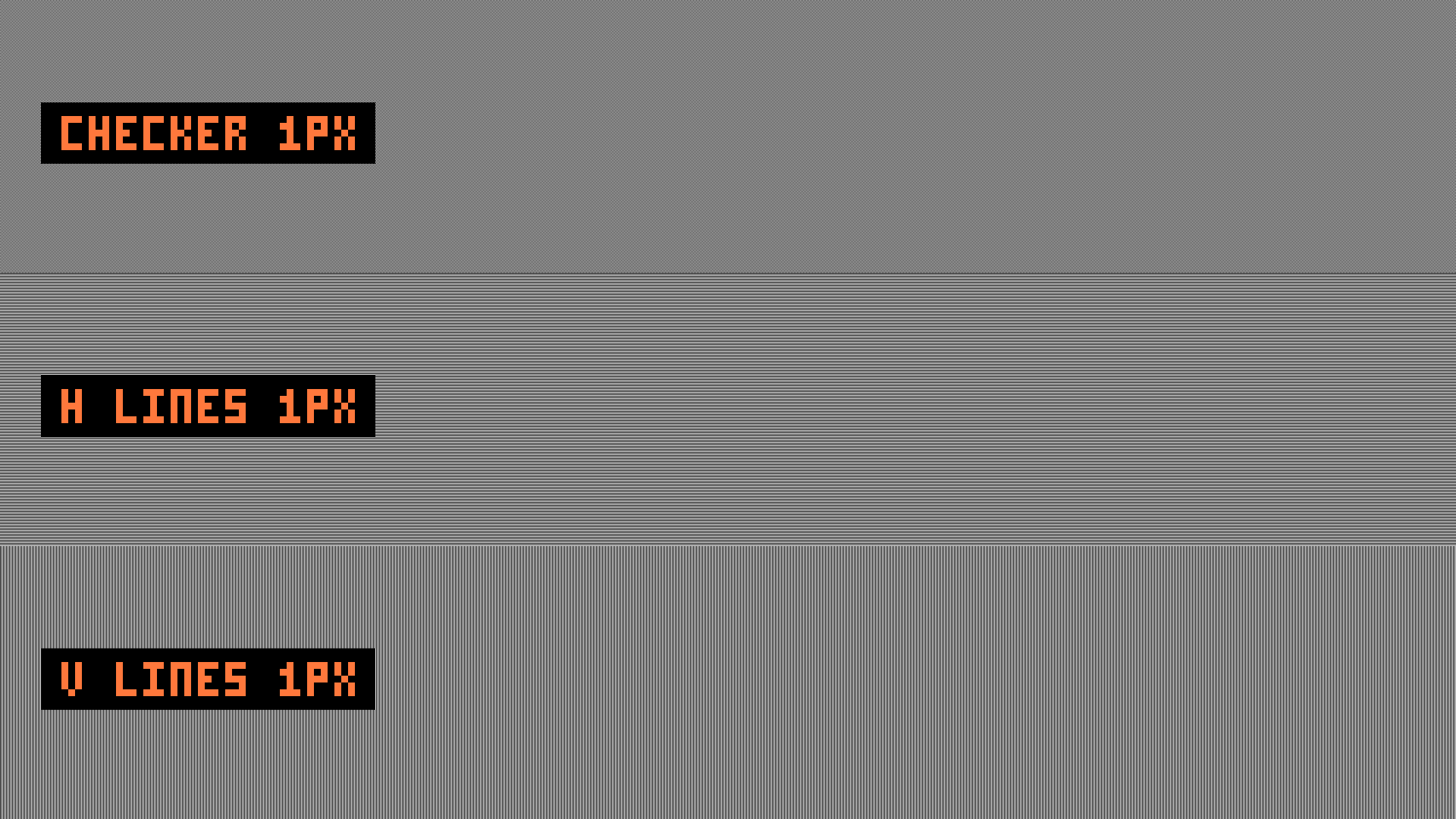
Moiré 1:1 PNG
A one-pixel checkerboard and one-pixel line fields. It only means anything at 1:1 — if it looks soft or swims, something in the chain is scaling, which is worth establishing before anybody starts blaming the camera.
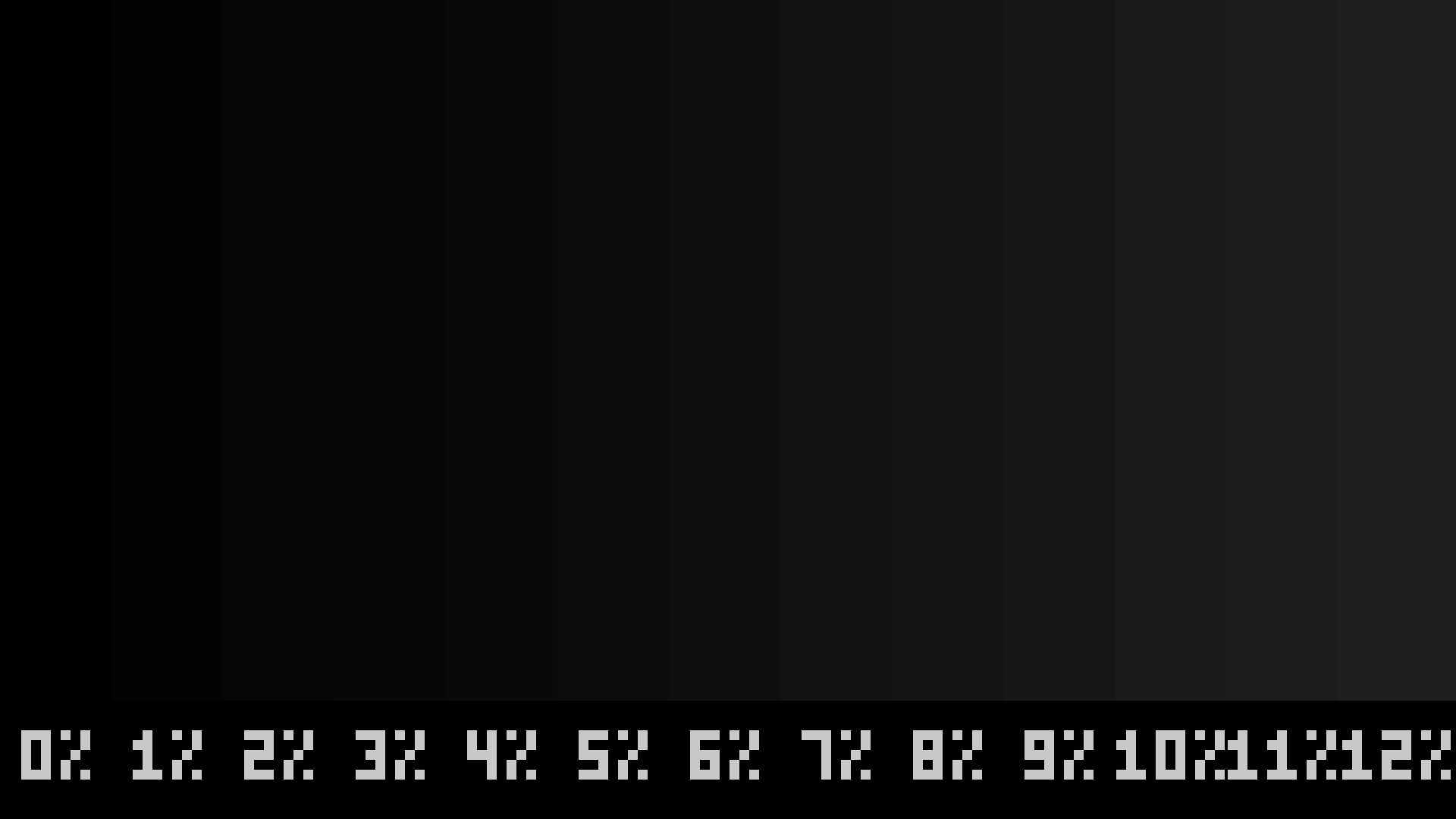
Dark detail PNG
Steps from black to twelve percent, which is where LED walls actually struggle: crushed blacks, a grey floor that is not black, and tiles that disagree with each other down here long before they disagree in the light.
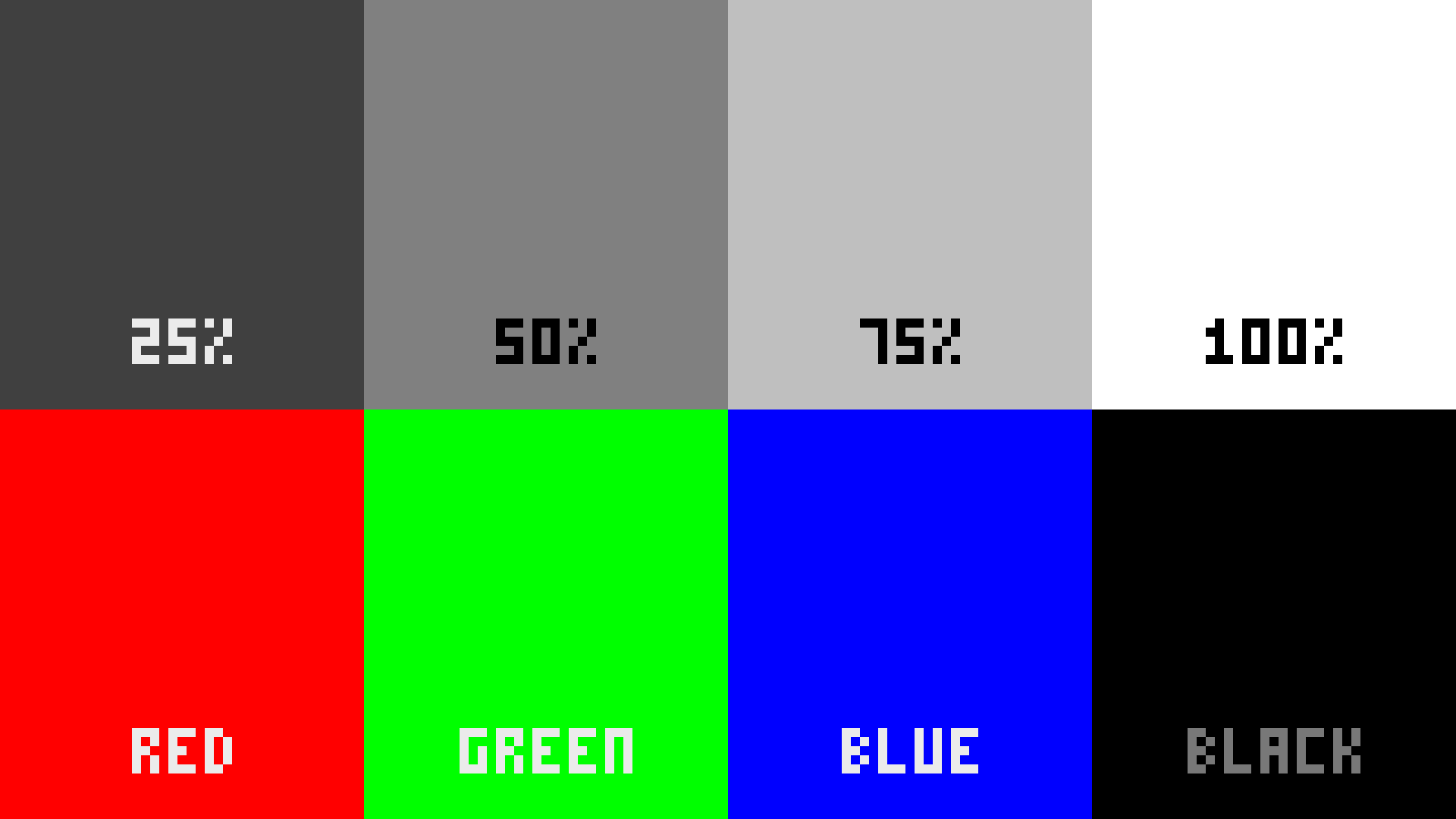
Uniformity PNG
Flat fields at 25, 50, 75 and 100 percent, plus full red, green and blue. Flat colour is unforgiving — a panel from a different batch of LEDs shows up immediately, and so does a dead pixel.
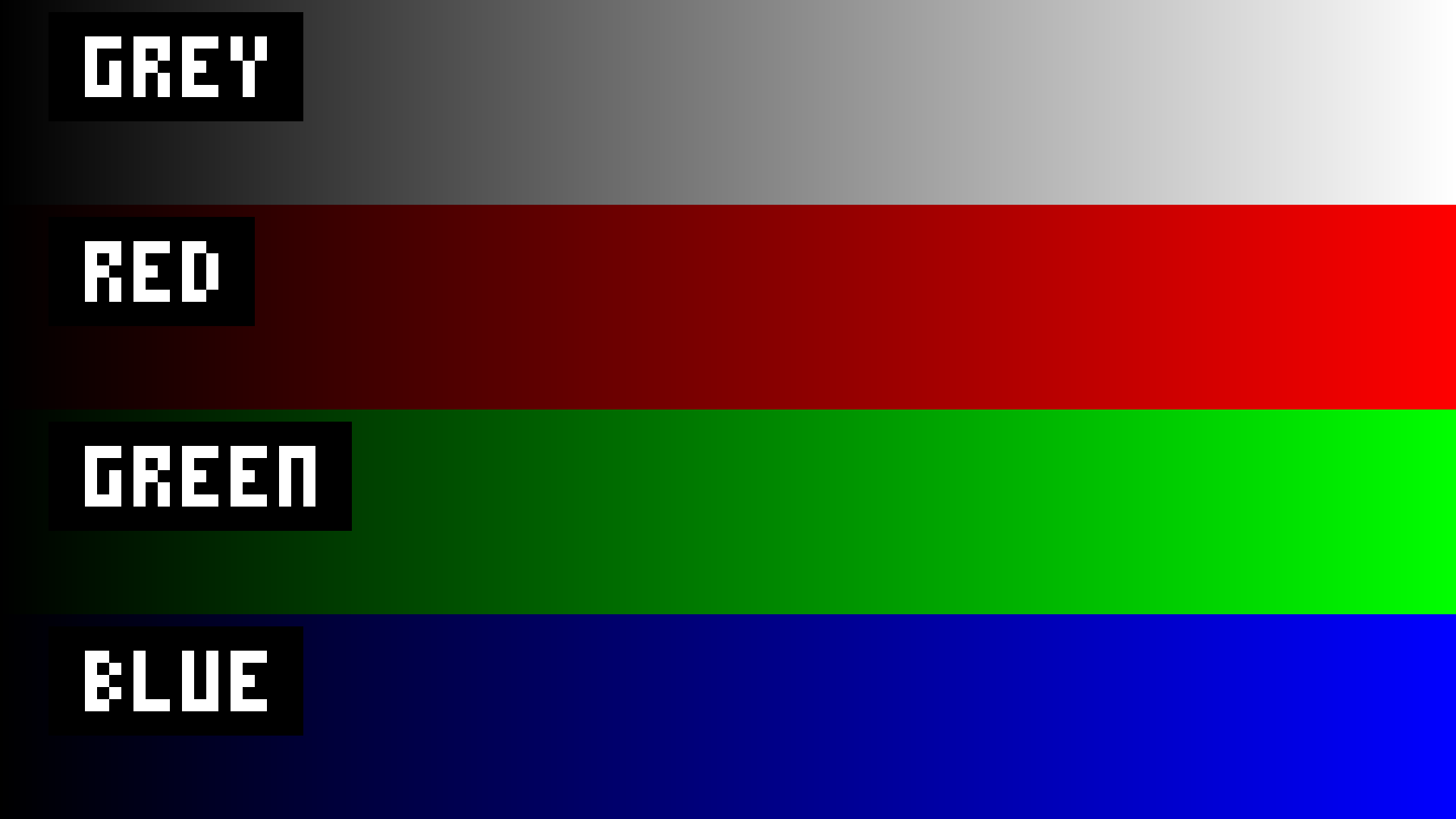
Banding ramps PNG
Ramps per channel and in grey, for finding the bit depth you are really getting after processing. A ten-bit chain quietly truncated to eight shows its steps here and nowhere else in a show.
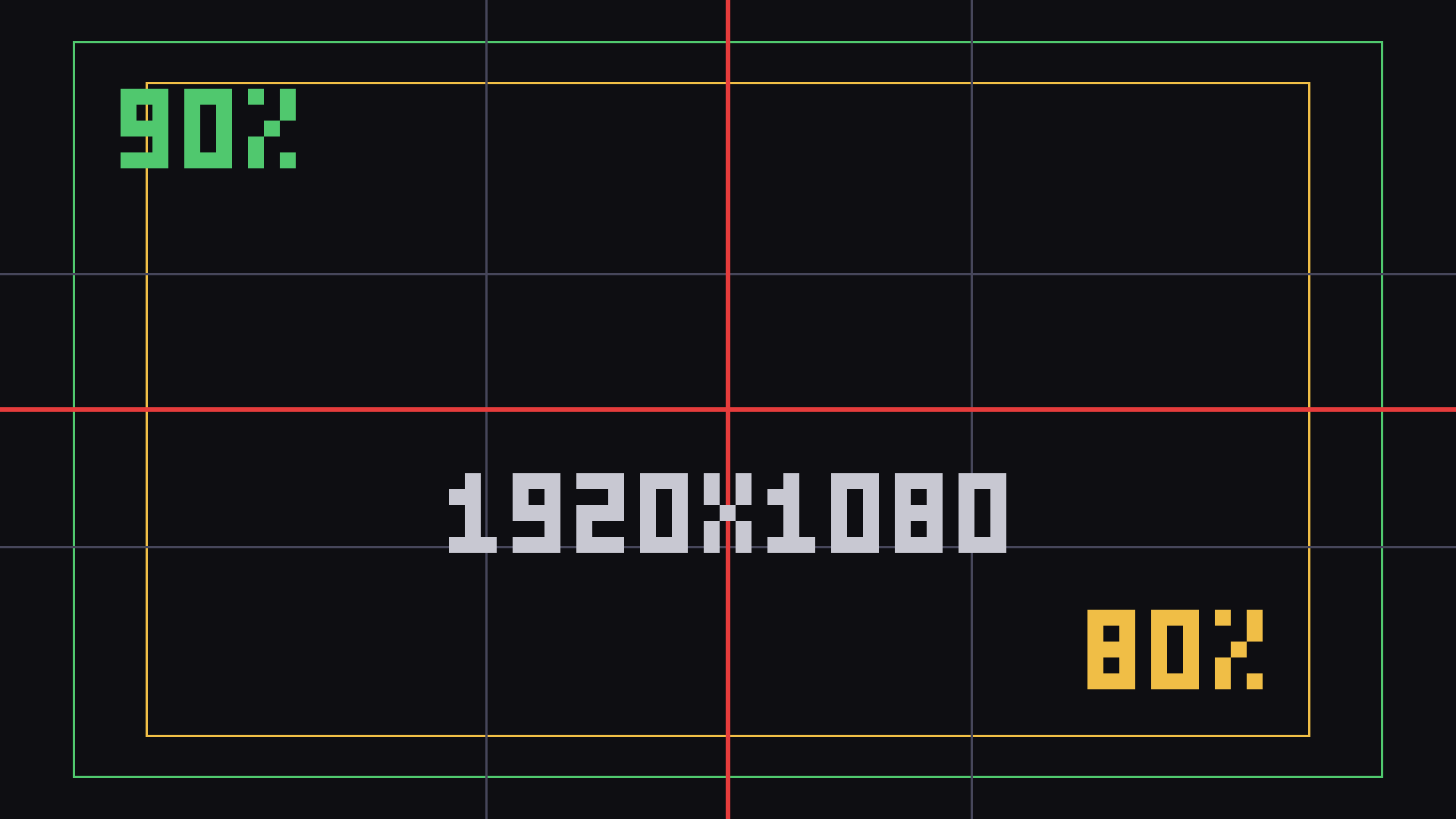
Safe areas PNG
Centre cross, thirds, and 90% and 80% boxes, so content gets framed against the screen’s real aspect rather than a guess.
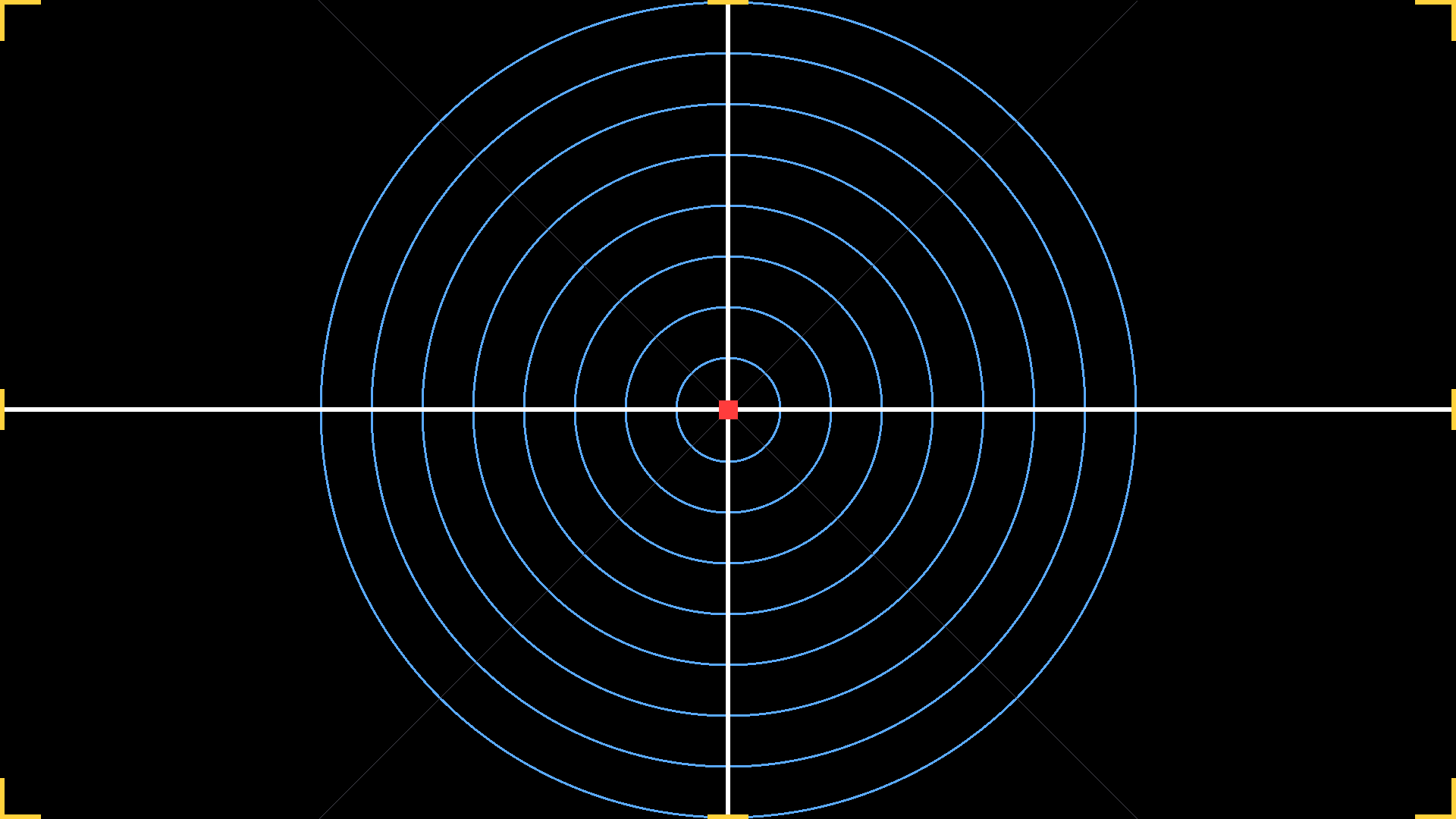
Boresight PNG
Centre cross, concentric rings and markers at every corner and edge midpoint. For lining a projector or a camera up on the middle of the screen before any content exists to line it up on.
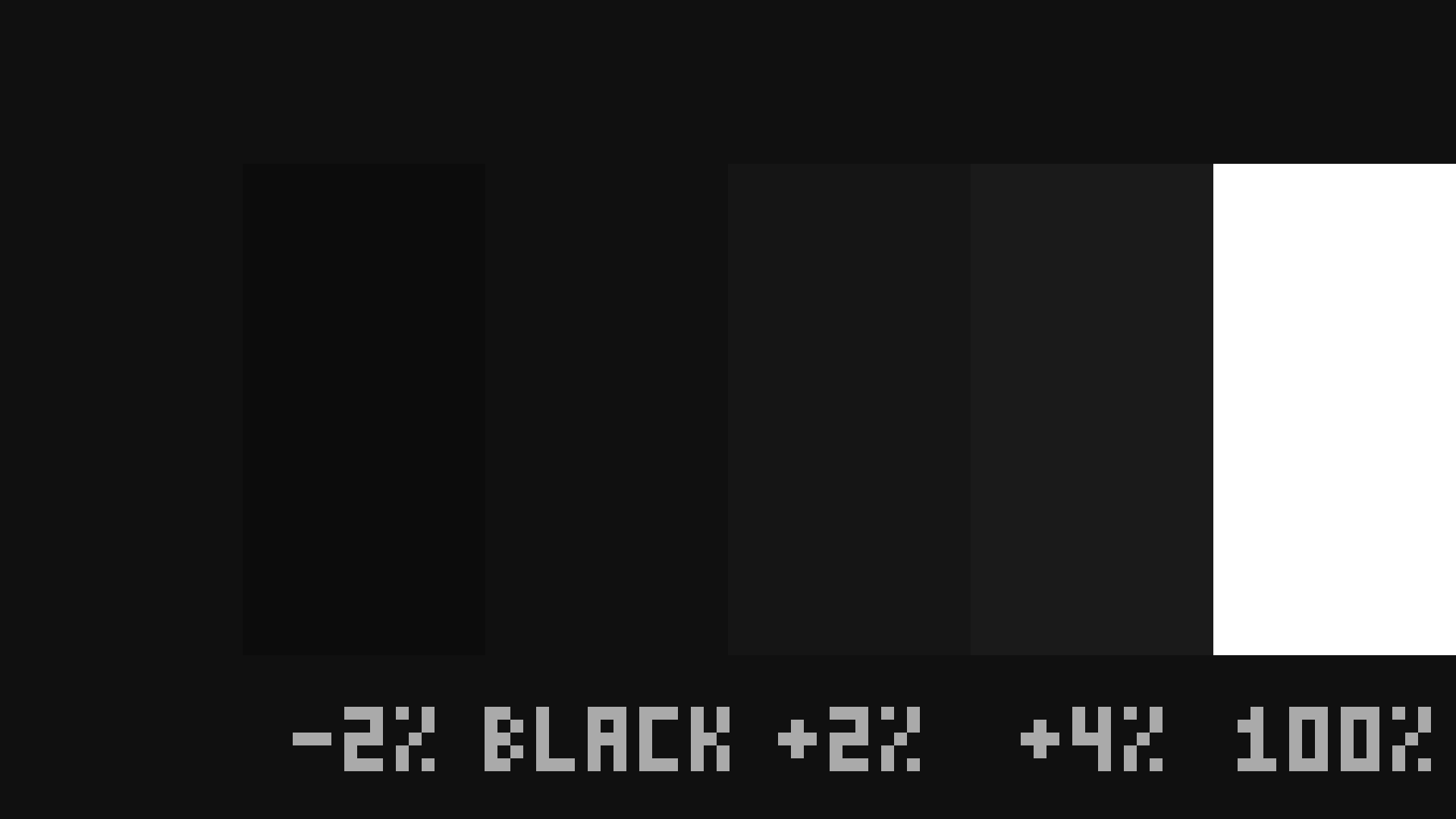
PLUGE PNG
Black level, on its own. Set brightness so the below-black bar is invisible and the just-above-black one is only barely visible. Everything else about a picture is downstream of getting this right.
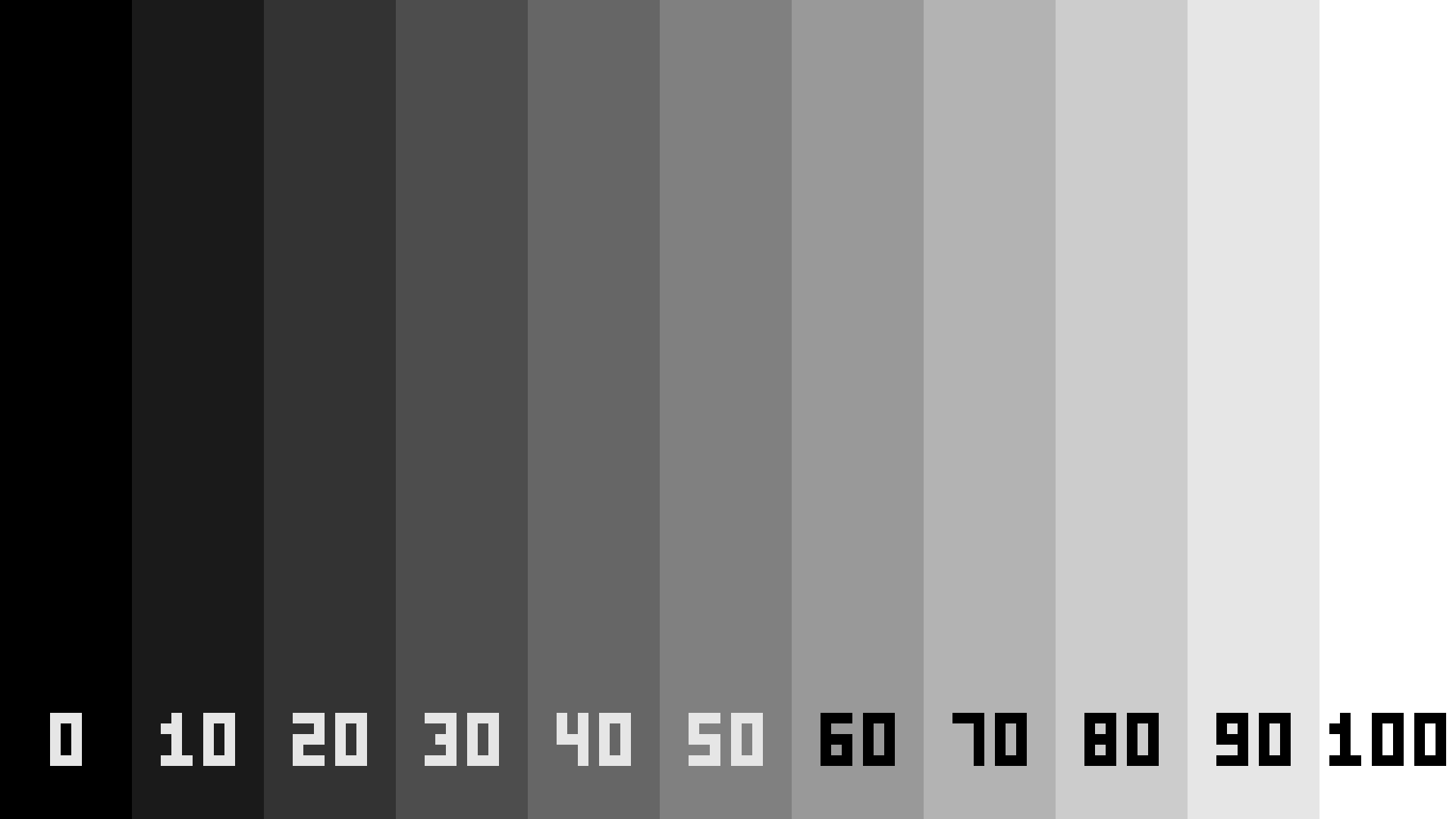
Greyscale steps PNG
An eleven-step staircase for gamma and grey tracking. A screen that goes green in the mids, or loses the top two steps into each other, shows it in a second.
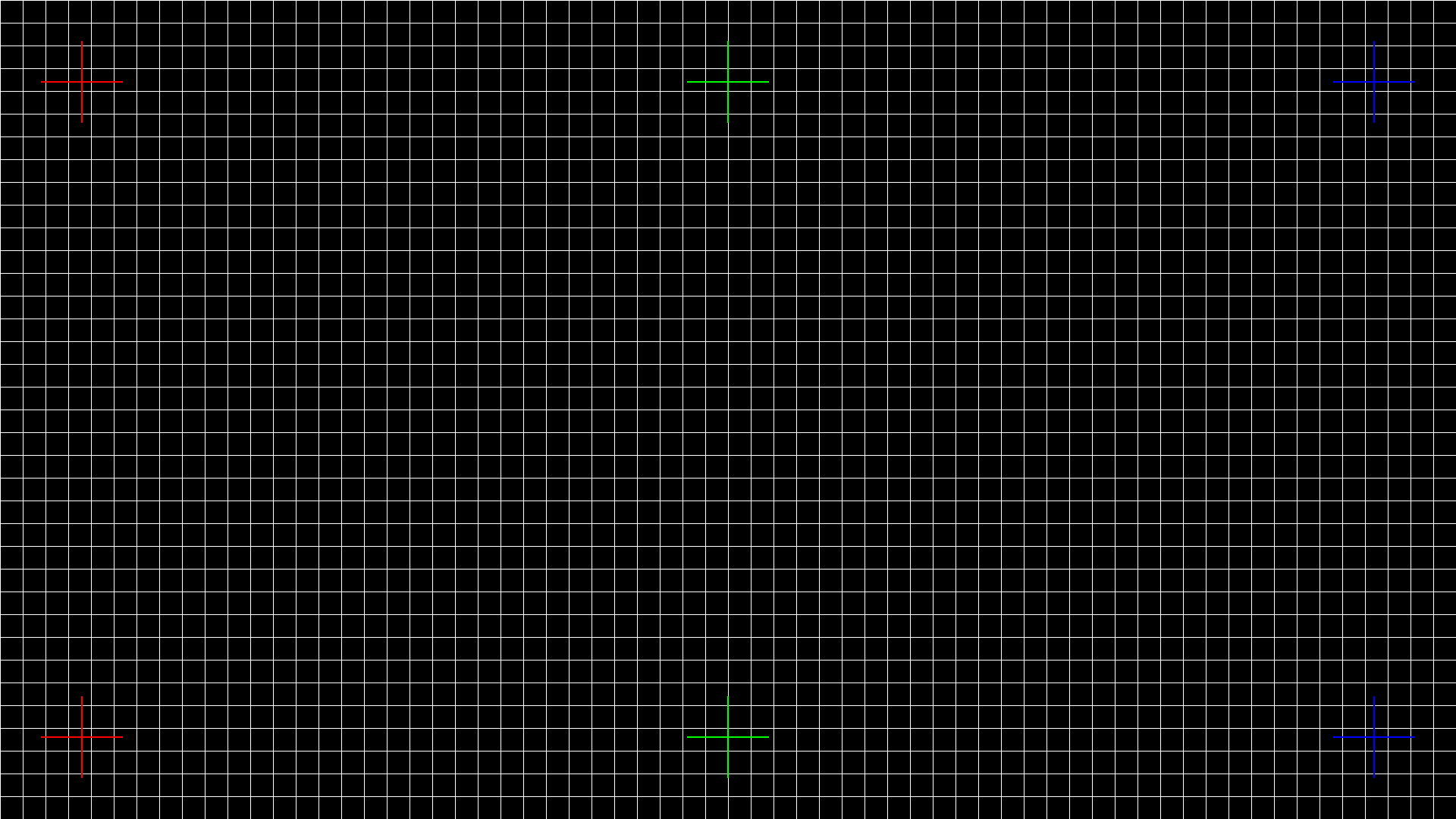
Convergence PNG
A fine one-pixel grid with pure red, green and blue crosses on it. Fringing is a colour fault, and a white grid on its own does not tell you which channel is the one that is off.
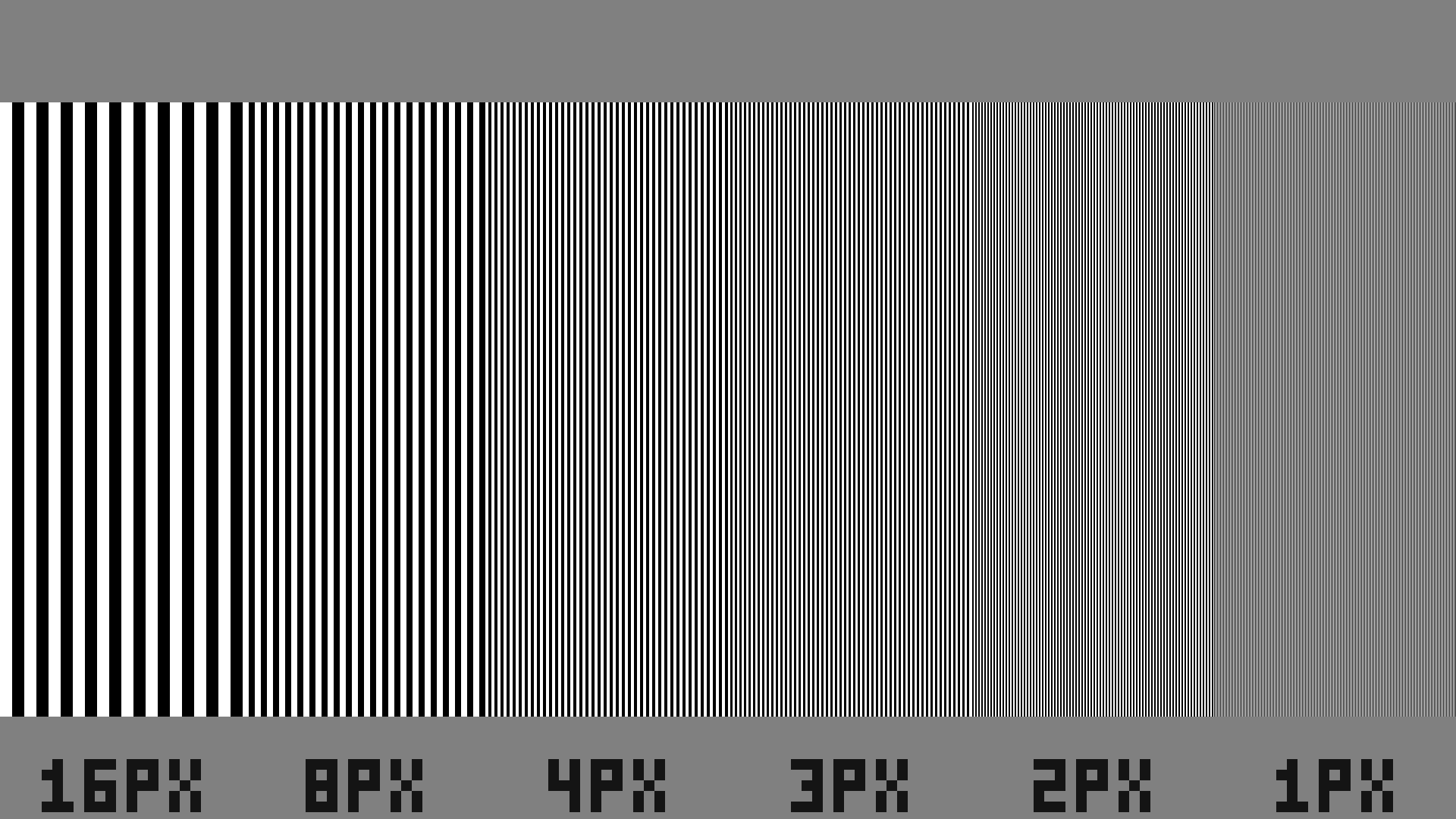
Multiburst PNG
Bar packets from sixteen pixels down to one. The finest packet going grey means detail is being lost somewhere, and which packet fails says roughly where.
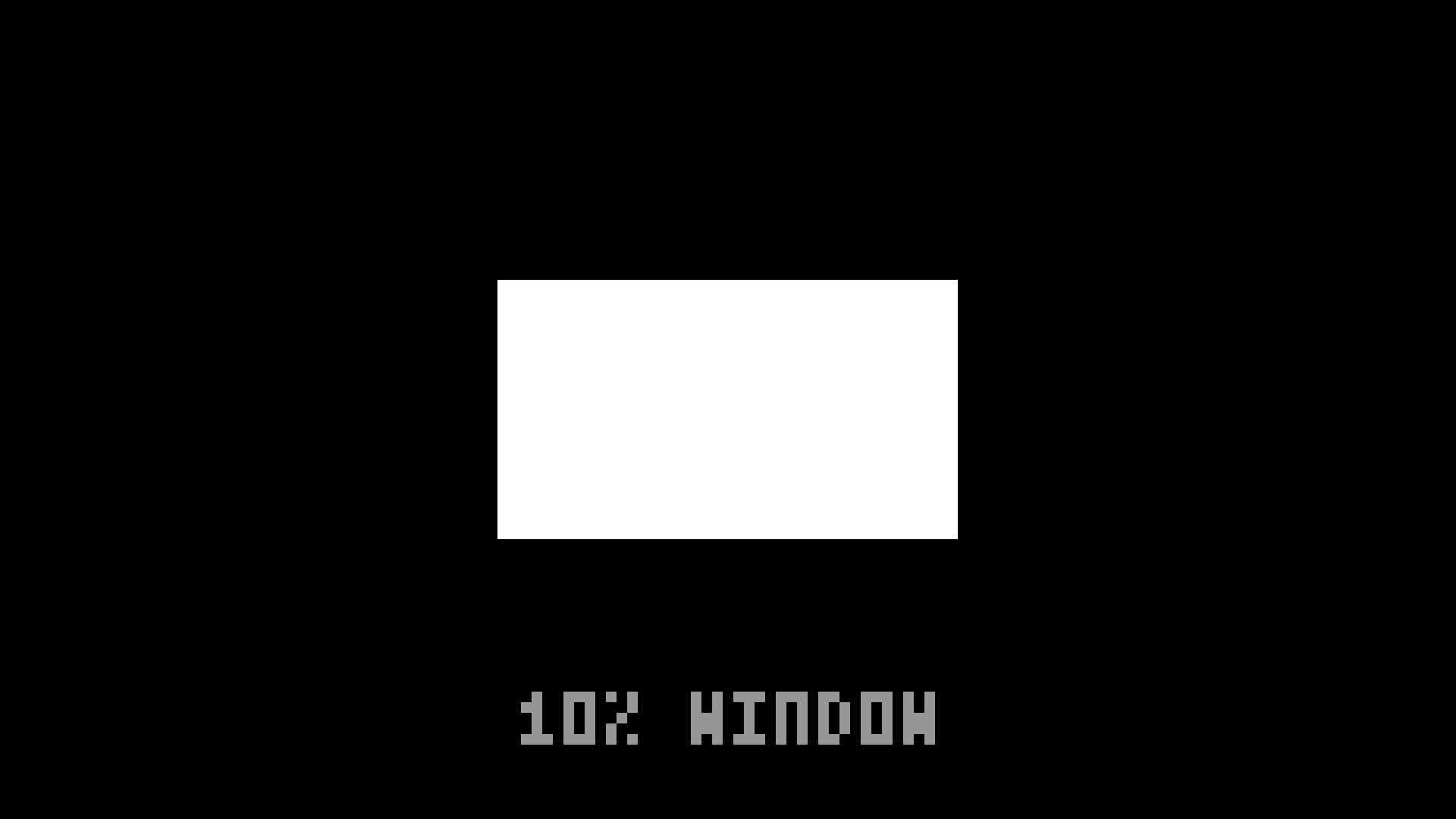
10% window PNG
For peak brightness at a realistic average picture level. A screen that hits its rated figure here and nowhere near it on a full white field is behaving normally, and this is how that gets measured rather than argued about.
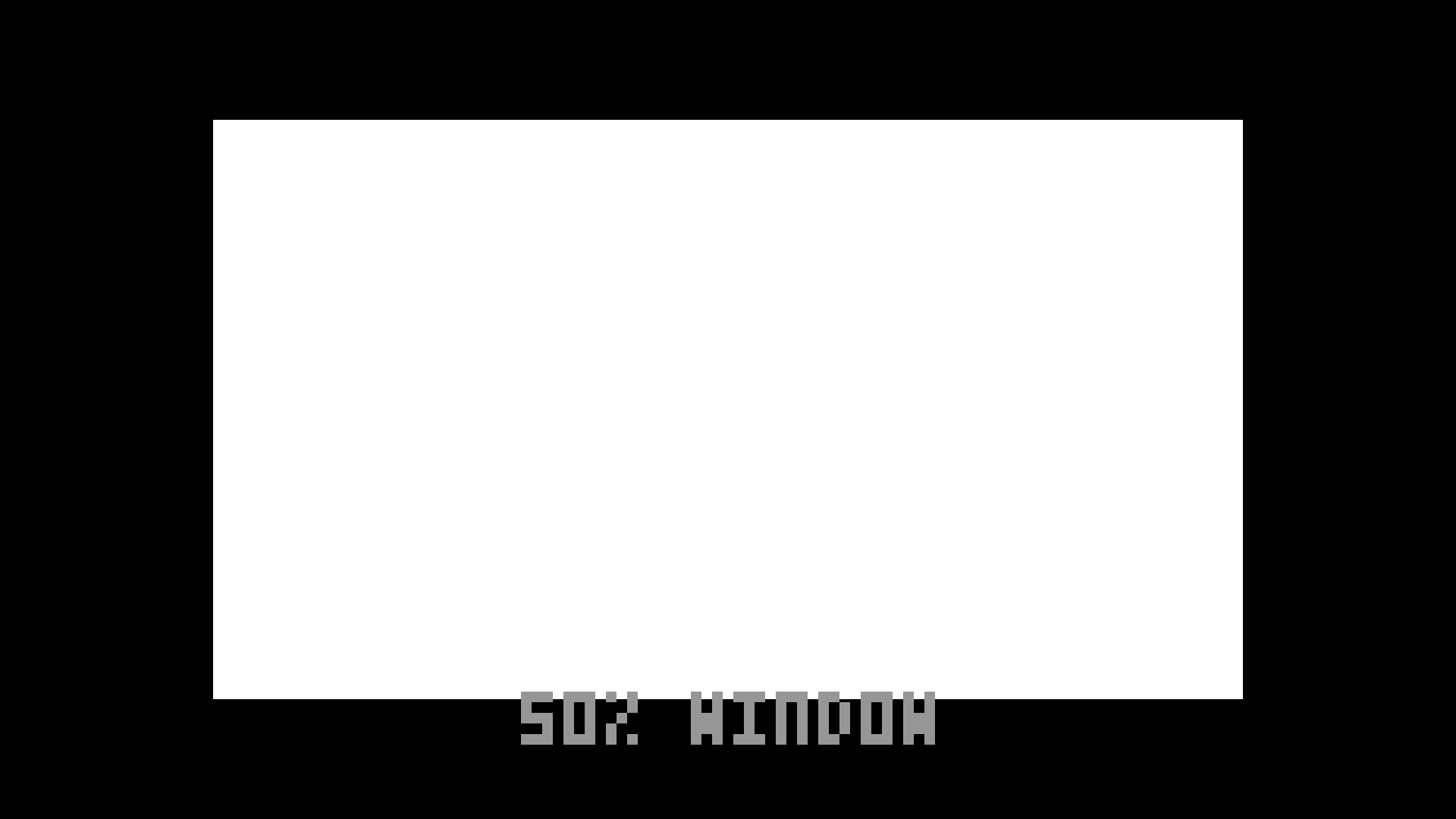
50% window PNG
The same measurement at half the screen, which is closer to what real content actually asks a display for.
How to actually use them
Put the card up, then walk the chain rather than the picture. Bars first, because a black level that is wrong makes every later judgement wrong too. Then crosshatch, at the screen, from where the audience sits — keystone looks fine from the booth. Then the checkerboard, close, because that is the one that catches a scaler nobody told you about. Then a real picture, because charts cannot show you banding.
If two screens have to agree, the latency clock settles it in one photograph. If a recording or a stream is suspect, the frame counter at a high shutter speed will tell you exactly which frames went missing. Both of those want a player that is not dropping frames of its own, which is worth establishing before you trust the answer.
Where these came from
Deckboy generates them. It is a free, open-source cue player for live video, and it makes these patterns live, at whatever raster and refresh the output is actually running — which is the version you want, because a 1080p file stretched onto a 1200-line projector is testing the stretch as much as the projector. It also means the moving ones are generated per frame rather than played back from a file, so they never loop and never repeat a number.
So the files above are for the situation where you need bars on a screen in the next ten minutes and installing something is not on the table. If you are going to be doing this again next week, the application is free as well.
Where latency hides in a live chain · Check this screen in the browser · The patterns Deckboy generates